
Post SIGGRAPH:
After getting back from SIGGRAPH I thought, screen rotation will be easy…
“Just use a big roller bearing behind the screen and add a electromagnetic braking to control the spinning. Boom, Problem Solved!”
Well…. It turns out making a ‘good’ design is a little more complicated.
Usability
The initial plan of using touch strips to control screen rotation, seemed like a good idea at first. However, it was confusing:
Grab point A to unlock rotation
Grab point B to unlock tilt.
Inevitably, get it wrong…
Not a good solution.
The better solution is to just have the screen spin… no lock or unlock needed.
Improvement
The force required to spin the screen will be adjustable. This allows you to tune rotation for your comfort.
Mechanics
It’s hard to fit a rotation mechanism behind the screen, have it be sturdy and still have room for the mouse and keyboard. Wacom’s solution is very stable but it takes up a lot of room behind the screen.
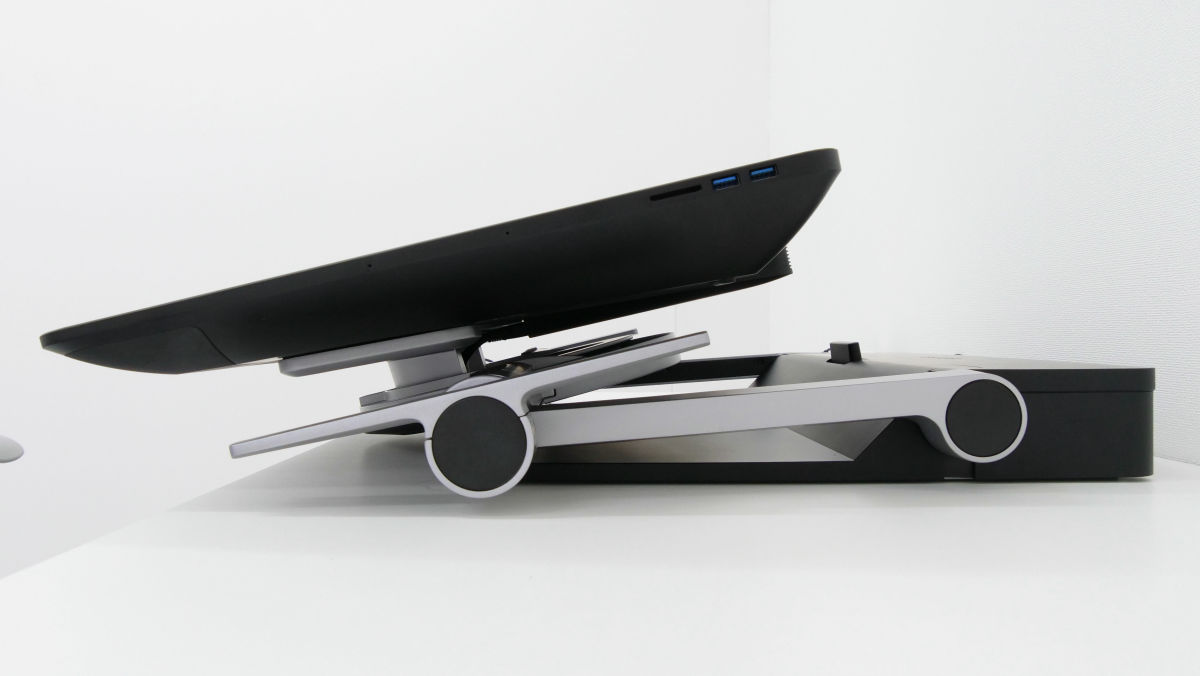
We went through a LOT of design ideas. When these ideas made it to 3D renderings most died… (too thick, too wide, hits the screen, hits the XOOT arm, not strong enough, etc…).
As a matter of fact, here’s my collection of Ball Bearings that I pre-ordered for designs that I was sure would be built.
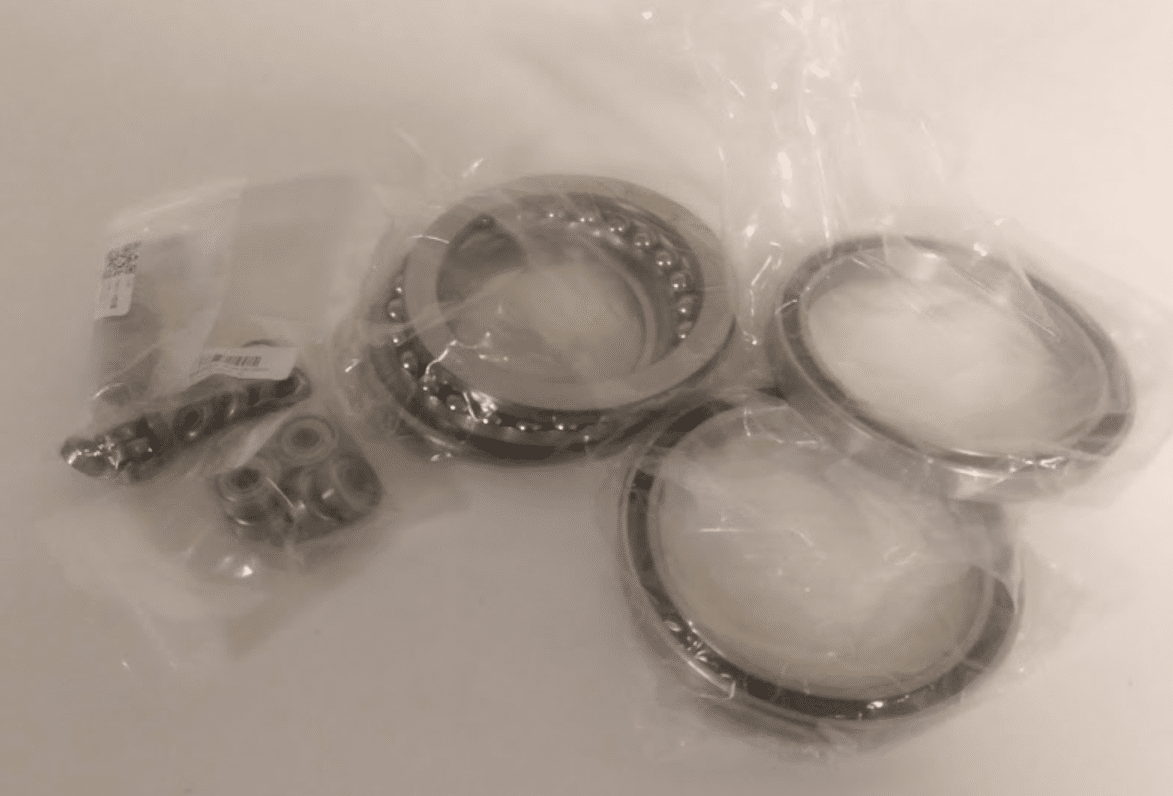
None were.
Prototype Coming
We’ve narrowed our designs down to two candidates that look very promising. When our mechanical engineer finishes the details, we can start the the prototype build.
More to come later… I post a blog when the prototype gets built.
-Chris